 Start Earning

WooCommerce Product Recommendation Plugins: The Complete Guide

WooCommerce Product Recommendation: The Complete Guide to Product Recommendation Plugins for Increasing Sales
Did you know that selling to existing customers can be up to 10 times more profitable than acquiring new ones? Many WooCommerce store owners devote all their energy to attracting traffic, overlooking the fact that increasing average order value (AOV) and improving customer retention can be among the fastest ways to grow revenue.
WooCommerce product recommendation plugins help make this possible. By displaying relevant, complementary, and suggested products at the right moment, they encourage customers to buy more. In this guide, we introduce the plugins available in the UP-Woo store that can help WooCommerce stores increase sales. Each plugin is described based on its product-page information, along with an explanation of how it can support revenue growth.
Why Are Product Recommendations Essential for WooCommerce?
When a customer visits your store, they have already overcome several hurdles: they have found your website, developed some trust in your business, and shown interest in a product. The key question is: Are you making the most of this opportunity?
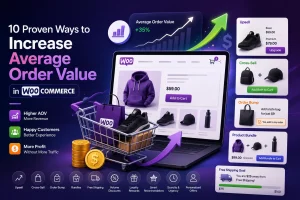
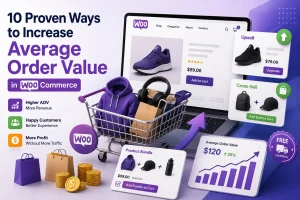
Product recommendation plugins use upsells, cross-sells, and complementary product suggestions to increase average order value (AOV) and improve conversion rates. For more in-depth strategies, read our guide to increasing WooCommerce AOV.
WooCommerce Gift Manager: Increase AOV with Smart Gifts
Best WooCommerce Gift Plugin
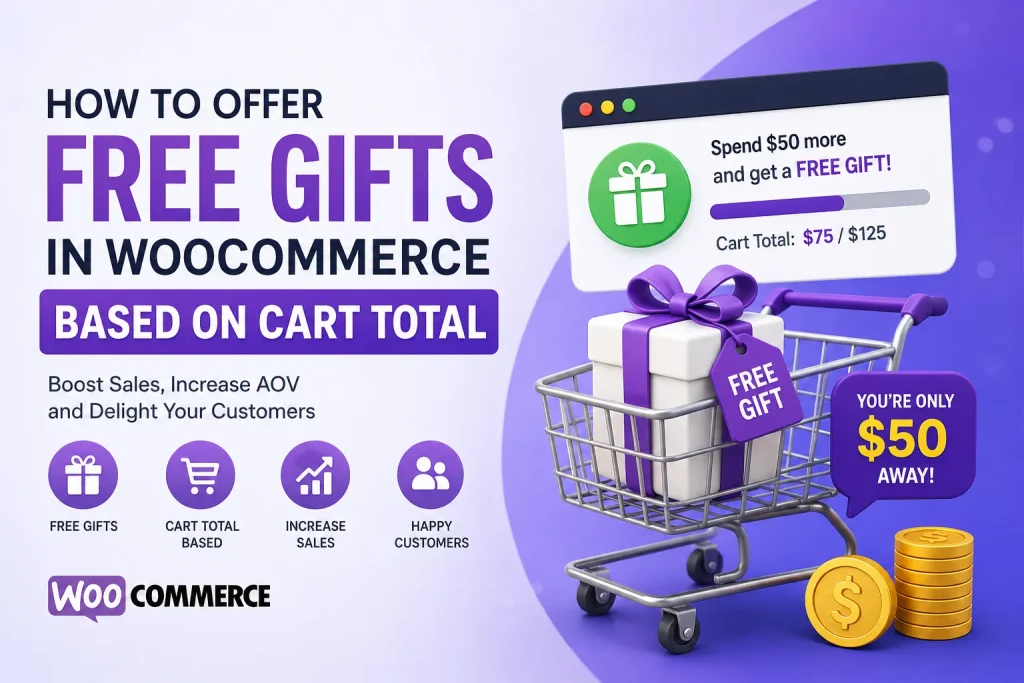
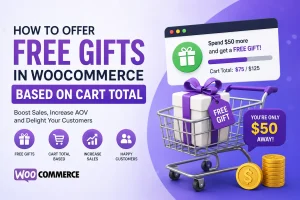
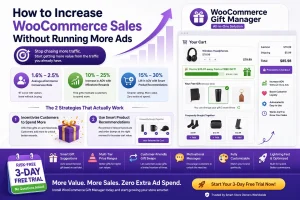
WooCommerce Gift Manager is a powerful plugin designed to increase average order value (AOV) and build customer loyalty. It automatically rewards customers with free gifts based on their cart total, turning every purchase into a more rewarding experience.
Key Features
- Increase sales and AOV: Tiered gifts encourage customers to spend more. Studies suggest that tiered rewards can increase AOV by 10% to 25%.
- Automatic smart gifts: Set rules to add a free gift automatically when a cart reaches a specified threshold. You can define multiple spending tiers, with minimum and maximum gift prices.
- Customer gift selection: Allow customers to change their gift a limited number of times. Giving shoppers more control can increase the perceived value of the offer.
- Flexible display options: Show gift messages on the cart or checkout page, before or after the “Add to Cart” button, or anywhere else using a shortcode.
- Full customization: Adjust colors, labels, button text, and messages to match your brand identity.
- Fast and optimized: Clean code and conditional loading help preserve website performance.
How Does It Increase Sales?
Customers may add more products to their carts to qualify for a valuable gift. This can directly increase AOV and motivate shoppers to spend more. Motivational messages can also encourage customers to reach the next gift tier, helping strengthen customer loyalty.
Add to Order: Generate More Sales After Checkout

Add to Order is a unique plugin that lets customers add more products to an order even after completing checkout. It addresses a common problem: some customers forget to add an item to their cart before paying.
Key Features
- Customer self-service on the frontend: Logged-in customers can add products to existing orders from the “My Account” page. Store owners can control eligibility based on order status—for example, allowing additions only to orders marked “Processing.”
- Order management from the WordPress admin: Store administrators can add products to any order from the WordPress dashboard. This is useful for phone orders and requests from VIP customers.
- Smart recalculation and payment: After a product is added, the system recalculates the order total, taxes, shipping, and final amount. Customers are directed to payment to pay only the difference.
- WooCommerce compatibility: Supports simple, variable, grouped, and subscription products, as well as compatible product-customization extensions.
How Does It Increase Sales?
The plugin can help recover missed sales opportunities and create post-purchase revenue opportunities. Customers who realize they forgot something—or want to add another item—can return to the buying process without starting a completely new order. This strategy can be especially useful for increasing repeat sales.
Increase WooCommerce Sales with Automated Complementary Product Suggestions
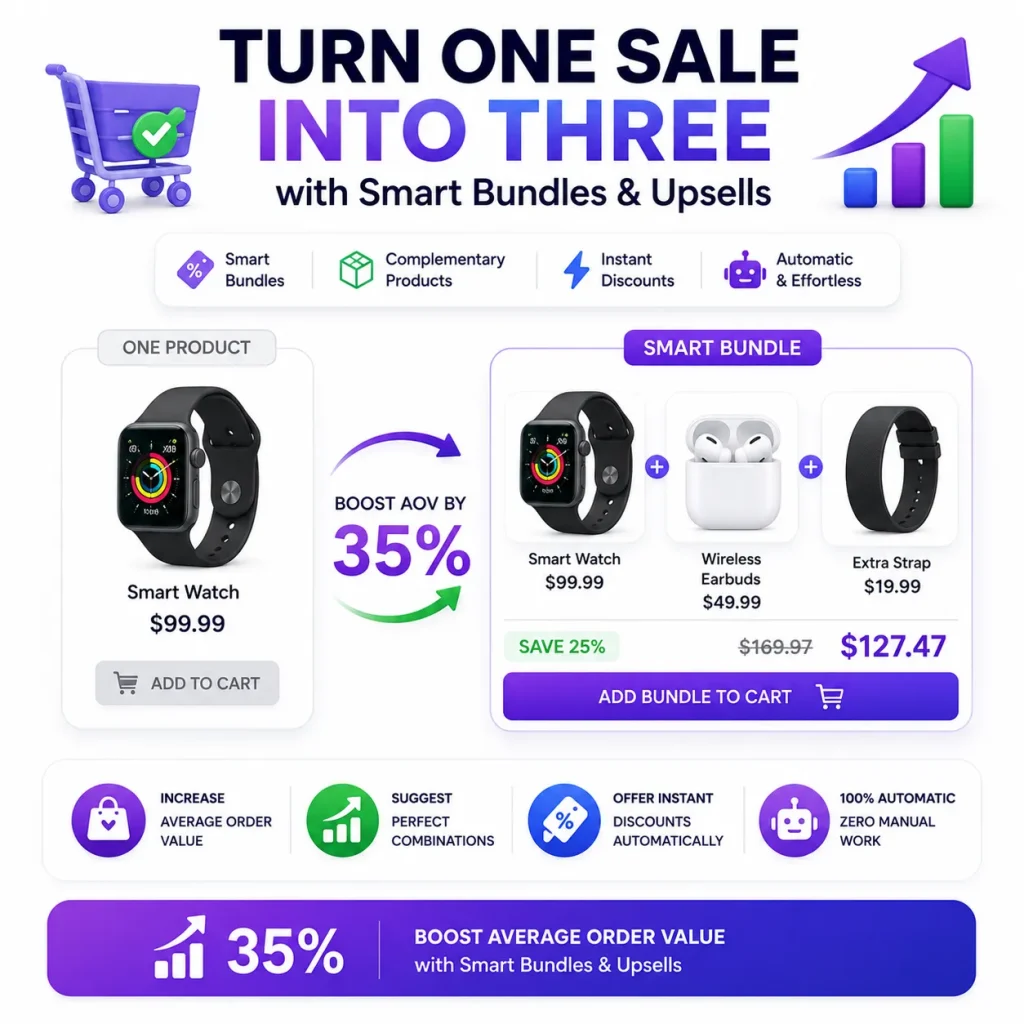
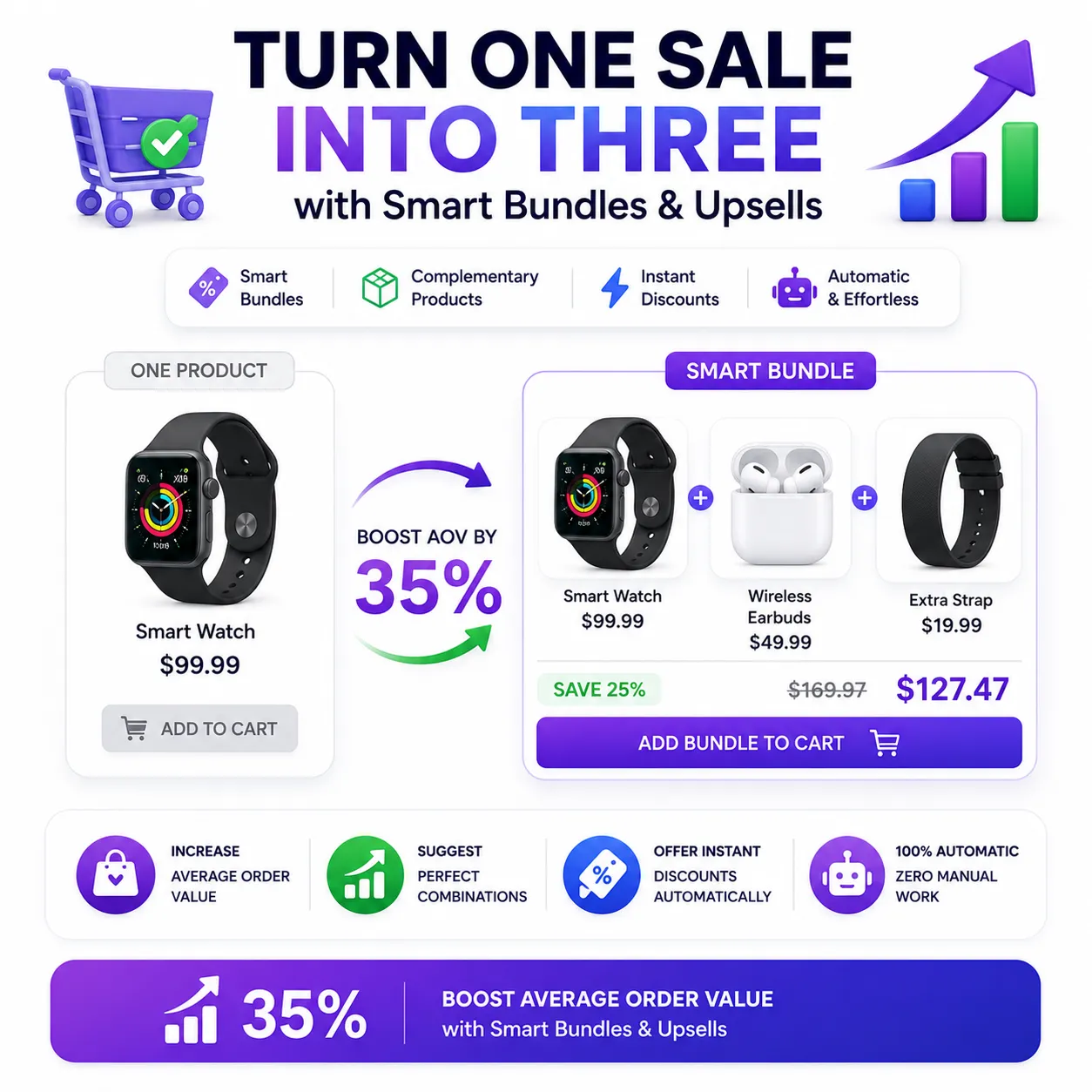
This solution uses automatic complementary product recommendations, one of the practical ways to encourage customers to buy more. For example, a kitchenware store reportedly increased its average order value from $42 to $67 after implementing automated complementary product suggestions—a 59% increase—without additional advertising spend.
Key Features
- Upselling: Encourage customers to choose a more expensive, upgraded, or premium version of the product they are considering.
- Cross-selling: Recommend complementary products that make the main product more useful or complete.
- Automatic recommendations at the right moment: When a customer views a product, the system automatically suggests relevant complementary items.
How Does It Increase Sales?
Showing complementary products while shoppers are making a purchase decision can increase the likelihood that they will buy several items instead of just one. This can raise AOV and generate more revenue from existing traffic. To further improve conversions, explore our WooCommerce conversion rate optimization services.
WooCommerce Coupon Sharing Game: Use Gamification to Increase Sales
WooCommerce sales boost
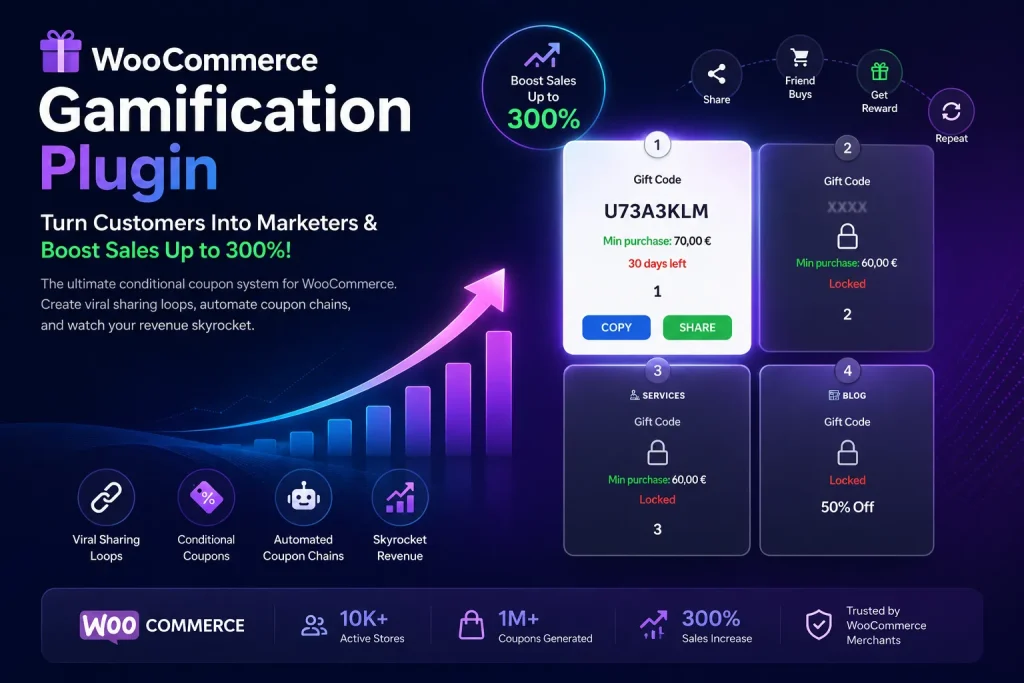
WooCommerce Coupon Sharing Game is a gamification plugin that uses game-like elements to encourage customers to engage, share coupons, and make purchases. In e-commerce, gamification means applying game mechanics to improve engagement, sales, and customer retention.
Key Features
- Potentially higher conversion rates: Gamified pop-ups may achieve conversion rates of 10% to 20%, compared with 1% to 2% for standard forms.
- Psychological engagement: Visitors may feel a sense of ownership over a discount they have “won,” which can encourage them to complete their purchases.
- Reduced cart abandonment: Gamification can capture shoppers’ attention before they leave the website.
- Stronger customer loyalty: The excitement of winning a discount can create a memorable shopping experience.
How Does It Increase Sales?
Customers can become a marketing channel by sharing offers with others. This approach can encourage referral sales while keeping existing customers engaged. According to Bain & Company research, a 5% increase in customer retention can increase profits by 25% to 95%.
Gift Note & Music for WooCommerce: Personalized Digital Gift Cards
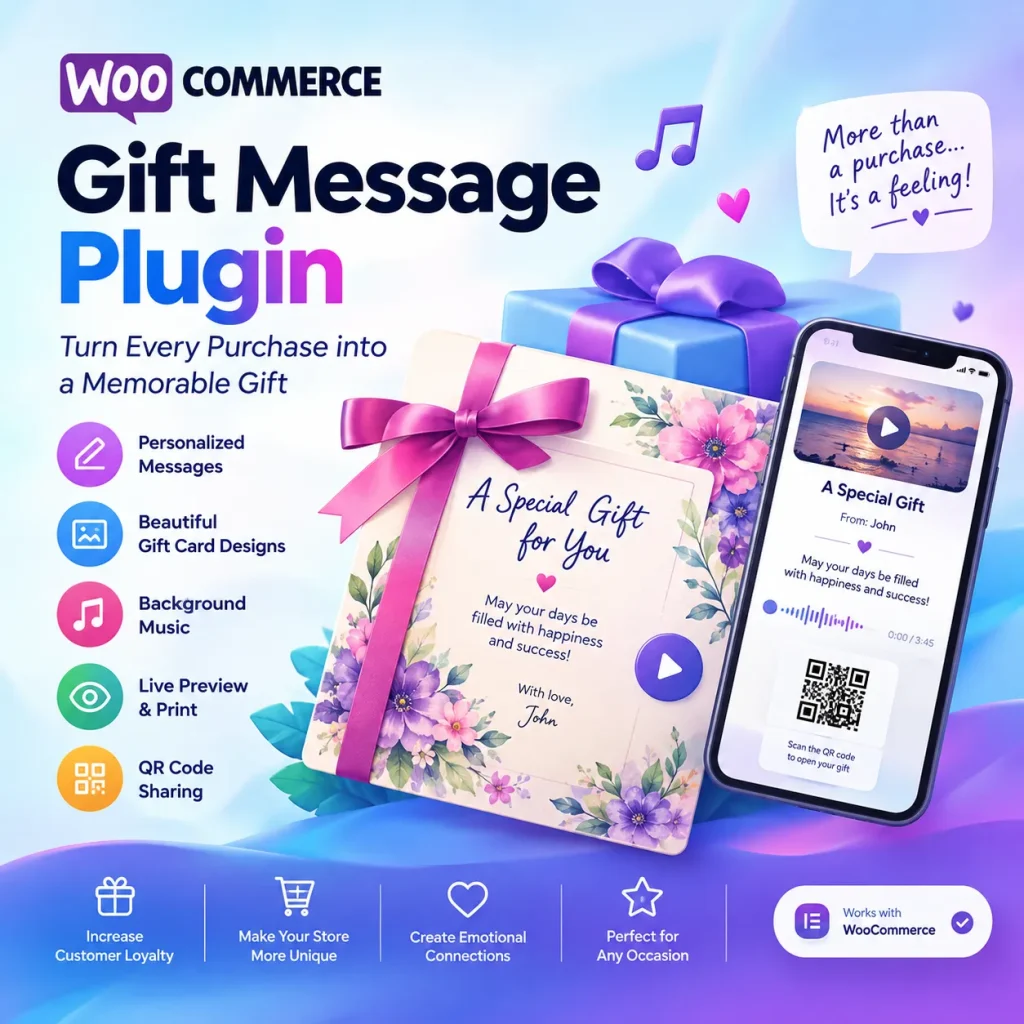
Gift Note & Music for WooCommerce is a gift-messaging plugin that lets customers add a personal note, choose a song, and customize a gift card. It turns an ordinary gift purchase into a more personal, emotional, and memorable experience.
Key Features
- Personalized gift messages: Customers can write a note and enter the sender’s name. The message can accompany the purchase journey—from the product page to the cart, checkout, and order emails.
- Musical gift messages: Customers can select a song for their gift. Recipients can scan a QR code to open an interactive music page featuring themed backgrounds and animations.
- QR-code gift messages: A QR code connects a physical card to a digital experience. Recipients scan it to access an online page containing the gift message and music.
- Gift-card design preview: Customers can preview how their card will look with the selected message and recipient’s name.
- Multiple card styles: Choose from minimalist, romantic, and celebratory designs.
How Does It Increase Sales?
Personalizing the gift-buying experience can make it more emotional and satisfying, potentially leading to higher customer satisfaction and repeat purchases. Customers who enjoy giving a gift may be more likely to shop with your store again.
WooCommerce Wallet SMS Notifications: SMS Alerts for Wallet Activity
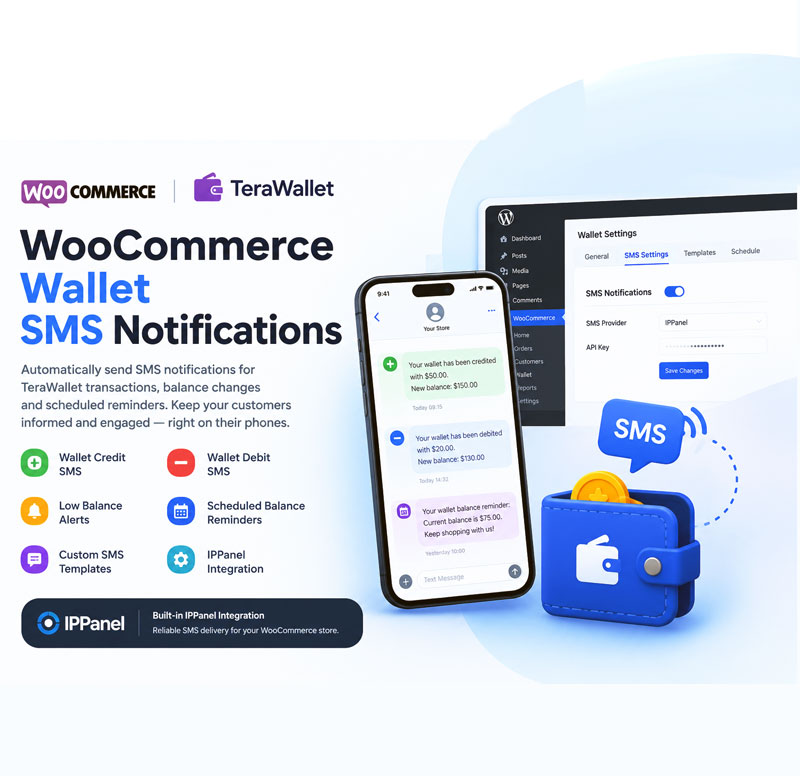
WooCommerce Wallet SMS Notifications is a lightweight plugin for WooCommerce stores using TeraWallet or Woo Wallet that want to send automatic text messages when a customer’s wallet balance changes. Instead of relying only on email, store owners can notify customers about credits, debits, low balances, and scheduled reminders via SMS.
Key Features
- Automatic SMS notifications for wallet transactions: The plugin can send messages whenever a wallet balance changes, according to your settings. Configure separate notifications for credits, debits, balance updates, low-balance alerts, and scheduled reminders.
- Scheduled wallet balance reminders: Send reminders daily, weekly, monthly, or at a custom interval. This can be useful for membership programs, loyalty schemes, prepaid balances, and repeat purchases.
- Low-balance SMS alerts: Set a threshold and automatically notify customers when their wallet balance reaches it, encouraging them to top up.
- Fully customizable SMS templates: Create personalized messages using dynamic variables such as the customer’s name, transaction amount, and current balance.
How Does It Increase Sales?
Timely, personalized notifications can improve customer engagement and encourage customers to top up their wallets and make additional purchases. This plugin can be particularly useful for stores with loyalty programs or prepaid balances that aim to generate repeat revenue.
OpenPOS – Woo Wallet Integration: Accept Wallet Payments In-Store
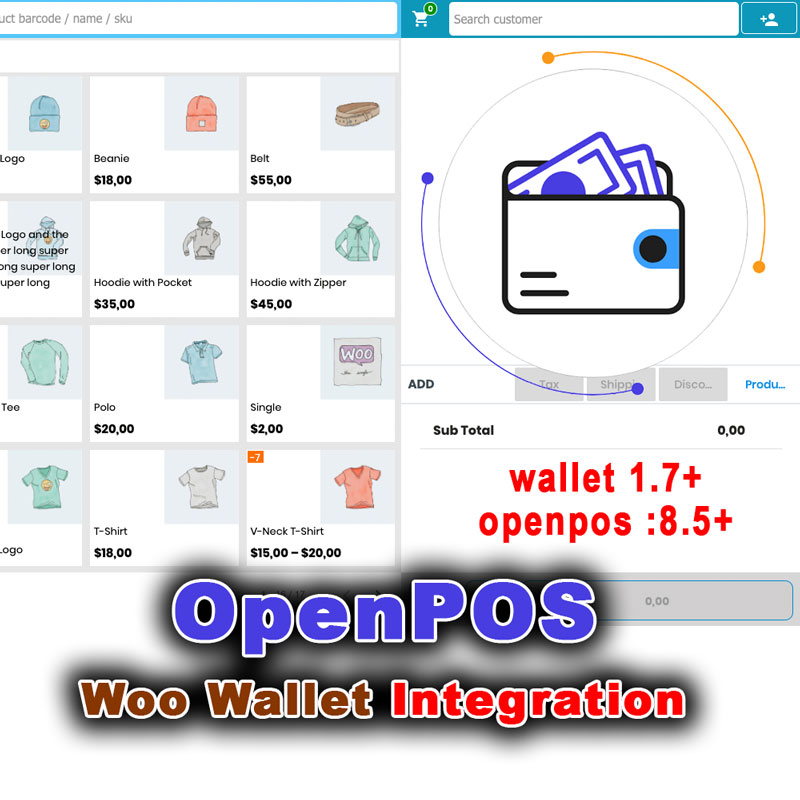
OpenPOS – Woo Wallet Integration is an add-on that connects a customer’s TeraWallet or Woo Wallet balance to the OpenPOS point-of-sale system. It addresses a common limitation: customers may have wallet credit from online purchases but be unable to spend it in a physical store.
Key Features
- Wallet payments at the OpenPOS checkout: Logged-in customers can select “Wallet” as a payment method directly in the OpenPOS checkout. Their wallet balance is displayed and applied to the order.
- Automatic balance deduction: The system automatically deducts the wallet amount and generates a printable receipt containing wallet details.
- Refunds to the wallet: Refund amounts can be returned to the customer’s wallet.
How Does It Increase Sales?
By connecting online and offline shopping, customers can spend their wallet balance across channels. This can strengthen customer loyalty and encourage shoppers to top up their wallets and buy more.
WooCommerce Affiliate and Referral Engine: Turn Customers into Advocates
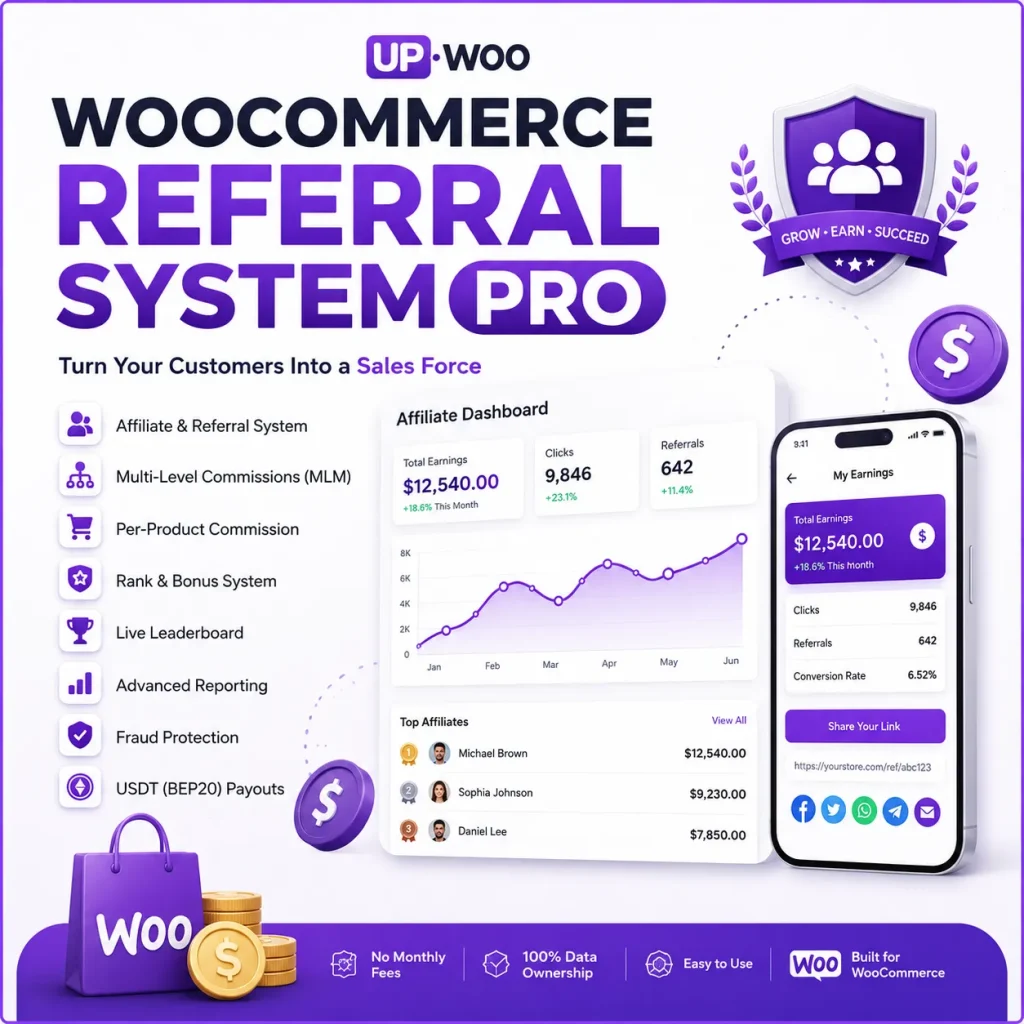
WooCommerce Affiliate and Referral Engine is a complete affiliate and referral marketing system for WooCommerce that helps turn customers into promoters. Word-of-mouth recommendations can be highly persuasive, yet many WooCommerce stores do not take full advantage of them.
Key Features
- Built-in affiliate system: Run an affiliate program directly in WooCommerce without relying on an expensive SaaS platform that may cost more than $99 per month.
- Multi-level commissions: Set up multi-tier commission structures.
- Real-time earnings visibility: Affiliates can view their earnings in real time instead of having to ask for updates every week.
- Fraud protection: Built-in anti-fraud measures help prevent affiliate abuse.
How Does It Increase Sales?
Satisfied customers and affiliates can help attract new shoppers without requiring the same level of advertising spend as paid acquisition. This strategy can reduce customer acquisition costs and increase referral sales.
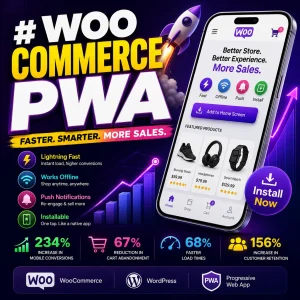
PWA for WordPress: Turn Your Website into an App-Like Experience
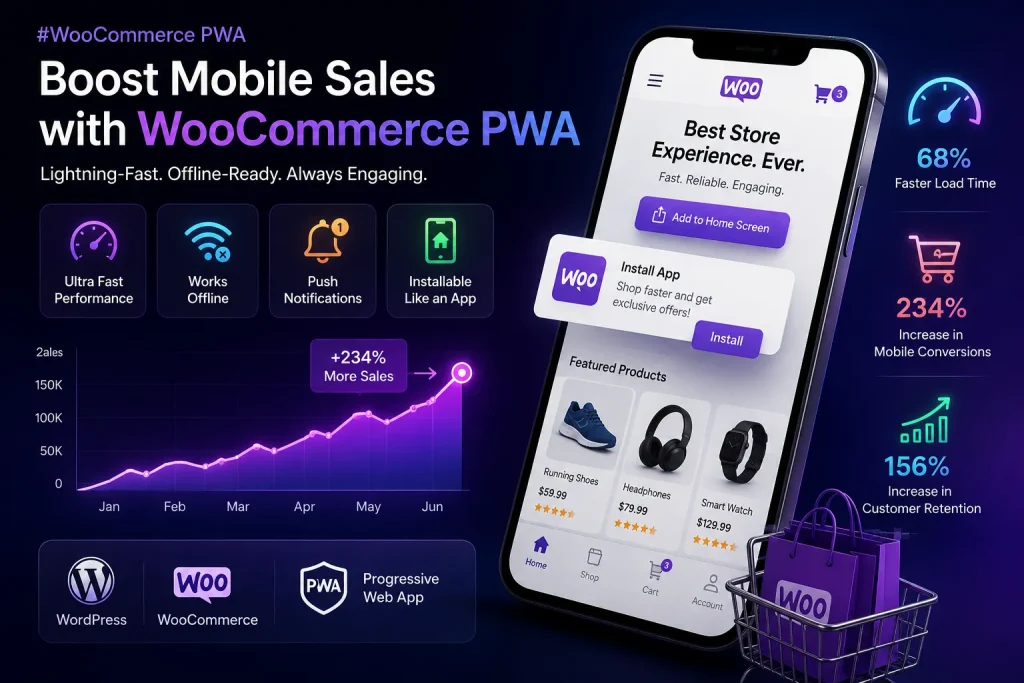
PWA for WordPress is a progressive web app (PWA) solution that turns your website into an installable application with an app-like experience. Mobile users expect more than a mobile-friendly website: they want fast loading, offline access, push notifications, and a seamless experience.
Key Features
- Installable PWA: With a simple installation process, visitors can add your website to their home screens on Android, iOS, Windows, and macOS and launch it in an app-like interface.
- Smart caching and fast performance: Advanced caching strategies—including stale-while-revalidate, cache-first, and network-first—help deliver a faster experience. The plugin prioritizes frequently visited pages for caching.
- Offline access: Content can be cached so visitors can browse previously visited pages, articles, and products even when they do not have an internet connection.
How Does It Increase Sales?
A faster, more convenient mobile experience can make shopping easier. Push notifications can bring customers back to your store and help improve customer retention. Learn more on our WooCommerce PWA page.
Anti DDoS Honeypot Pro: All-in-One Security and Firewall

Anti DDoS Honeypot Pro is a lightweight WordPress security plugin designed to help protect websites against DDoS attacks, malicious bots, and intrusion attempts. It provides multiple layers of protection, including a web application firewall (WAF), intelligent rate limiting, GeoIP blocking, and behavioral anomaly detection.
Key Features
- Honeypot and smart CAPTCHA challenges: An invisible trap helps identify and automatically block bots, while legitimate visitors should not need to interact with it during normal browsing.
- Web application firewall (WAF): Helps block SQL injection, cross-site scripting (XSS), path traversal, and other attacks associated with the OWASP Top 10.
- Intelligent rate limiting: Limits the number of requests from each IP address to help defend against brute-force attempts and DDoS traffic.
- Behavioral anomaly detection: Identifies unusual request patterns and can block suspicious activity.
How Does It Increase Sales?
A secure, available website helps build customer trust and reduces the risk of lost sales caused by downtime. For e-commerce stores, interruptions can mean missed orders, frustrated customers, and lost revenue.
Virtual Try-On for WooCommerce: Let Customers Try Glasses Virtually
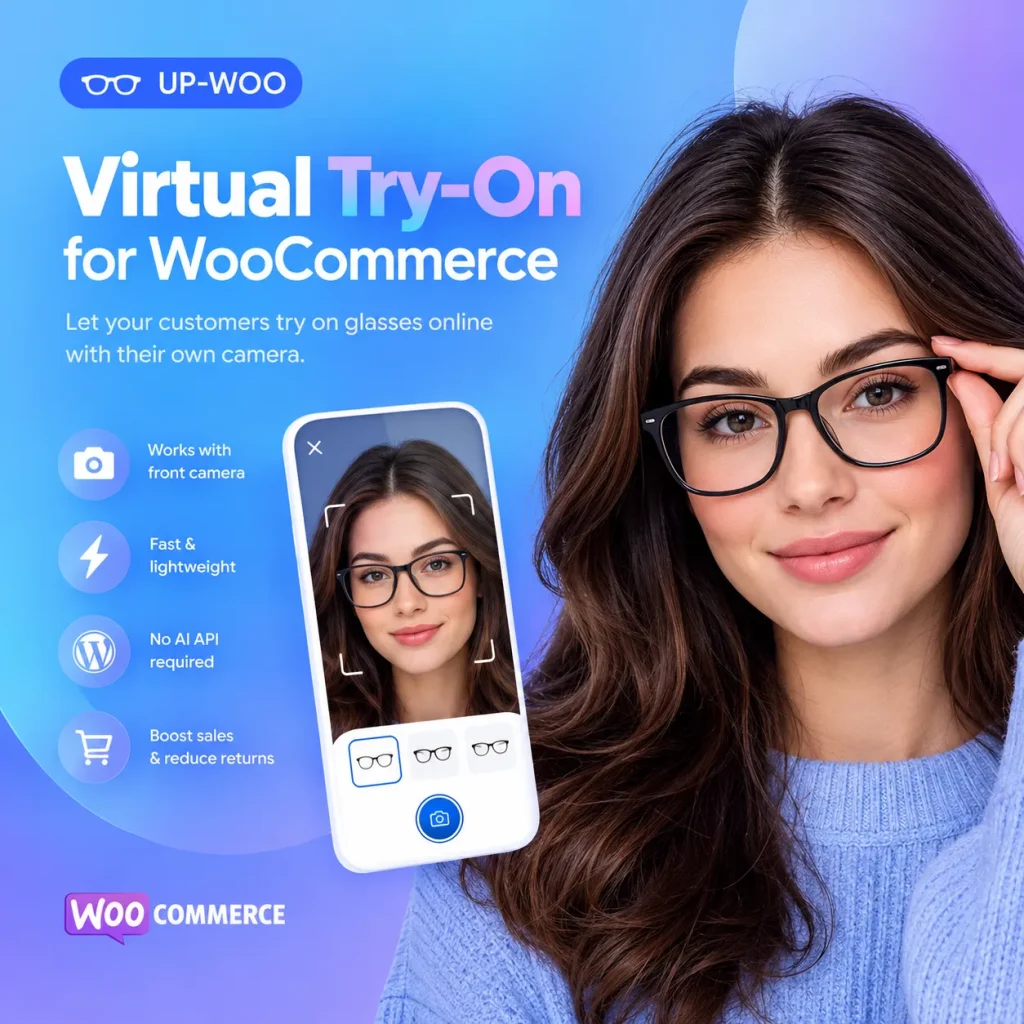
Virtual Try-On for WooCommerce is a specialized plugin for eyewear stores that allows customers to preview glasses on their own faces. Online eyewear shoppers often wonder, “Will these frames suit me?” Product photos alone cannot show how a particular frame will look on an individual customer. This uncertainty can delay purchase decisions and contribute to product returns.
Key Features
- Try-on with a front-facing camera or webcam: Shoppers can use a mobile device’s front camera or a desktop webcam to preview glasses on their faces directly in the browser.
- Browser-based processing—no AI API required: The default setup uses JavaScript and bundled face-detection model files. There is no need to purchase AI API credits, manage external service accounts, or worry about per-request fees.
- Keep shoppers on your website: The try-on interface opens from the WooCommerce product experience instead of redirecting customers to an external app or website. This helps keep customers engaged with your brand and product page.
How Does It Increase Sales?
By reducing uncertainty, virtual try-on can help customers make decisions more confidently and improve conversion rates. Better-informed purchase decisions may also reduce product returns. For eyewear stores, this can provide a meaningful competitive advantage.
Ultimate WooCommerce Telegram Bot: Turn Your Store into a Sales Channel
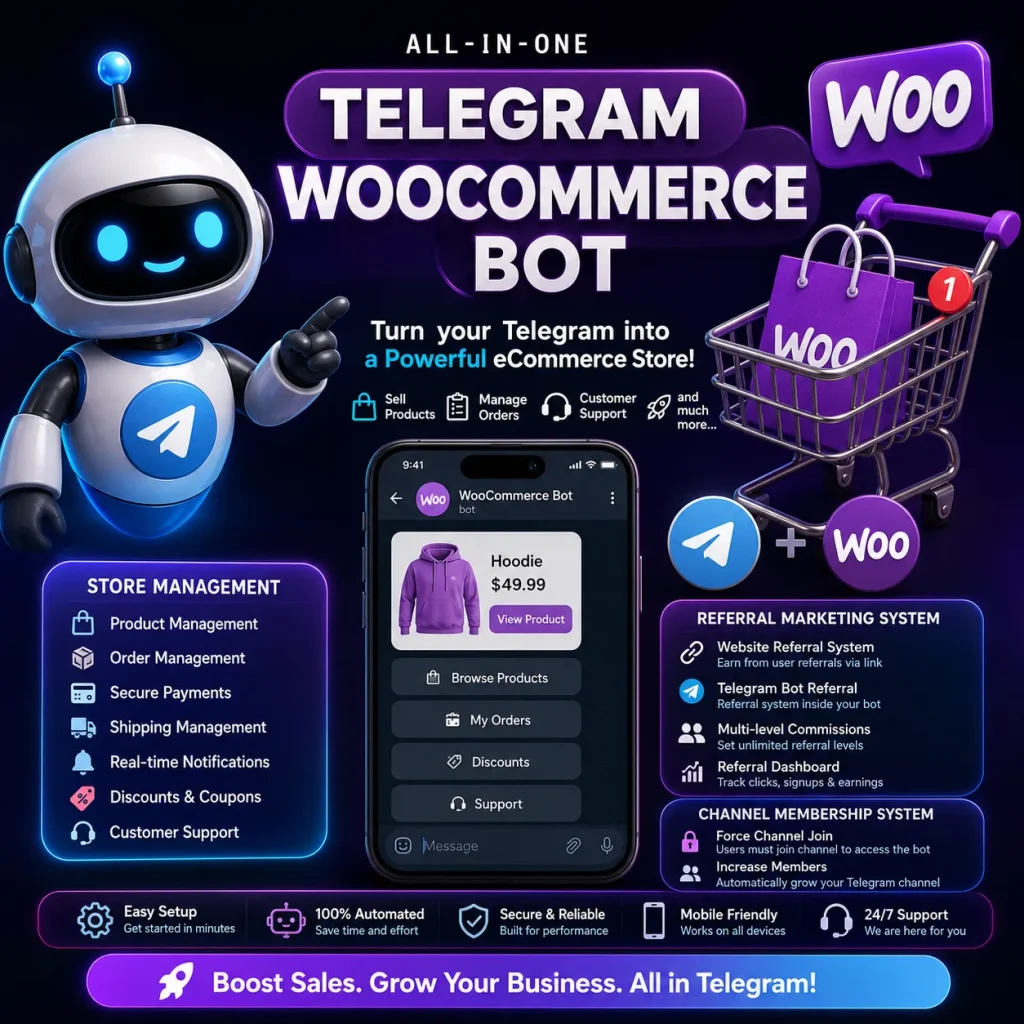
Ultimate WooCommerce Telegram Bot connects your WooCommerce store to Telegram, helping you use the messaging platform as a sales and marketing channel. Telegram has a large global user base and offers stores another way to reach customers.
Key Features
- Automatic product publishing: New products can be sent automatically to your Telegram channel.
- Customer order tracking: Customers can track their orders directly through the bot.
- Viral referral campaigns: Run referral campaigns designed to attract new customers.
- Bulk messaging: Send messages, images, and links to bot users.
- 24/7 automated support: Configure automated, AI-style responses to frequently asked questions.
How Does It Increase Sales?
Direct access to customers through Telegram can make product updates and order notifications easier to deliver. Timely communication and convenient access to products can help improve conversion rates and bring customers back to your store.
WooCommerce Dropshipping Plugin: Automate Partner Management
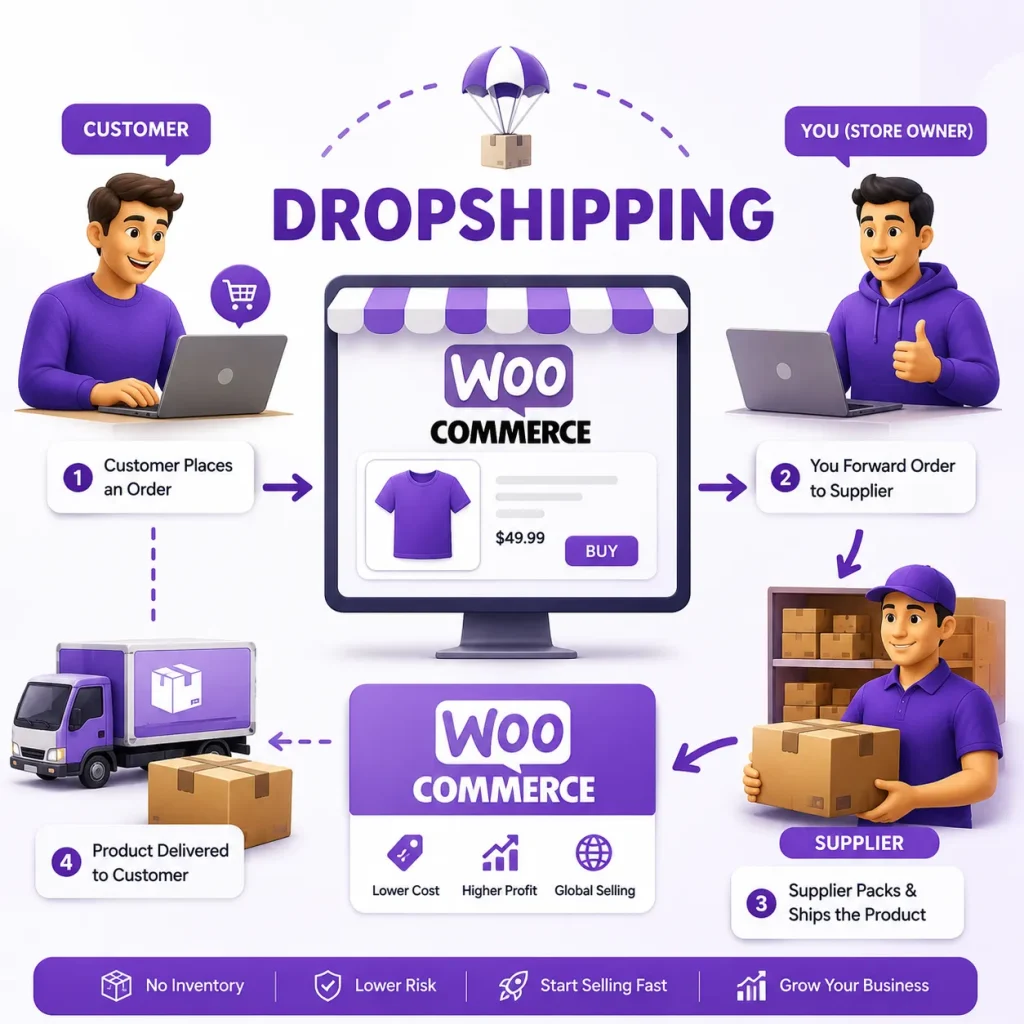
WooCommerce Dropshipping Plugin (RJ Dropshipping Pro) is an all-in-one solution for automating partner management, applying smart tiered discounts, and helping turn a store into a more efficient revenue-generating operation. Cart abandonment is a major e-commerce challenge, while manual operations can consume many hours each month.
Key Features
- Automatic partner tiers: Motivate partners with automatic role upgrades based on monthly order volume. When partners know they can unlock better discounts by meeting sales targets, they may be encouraged to place more orders.
- Smart tiered discounts: Create unlimited partner levels with custom discount percentages.
- Performance tracking and customization: Combine automation, customization, and performance tracking in one integrated solution.
How Does It Increase Sales?
Incentivizing partners to sell more can increase order volume. Automating routine processes can also reduce operational time and costs, helping improve profit margins.
WooCommerce Location Picker + QR Label Printer: More Accurate Deliveries
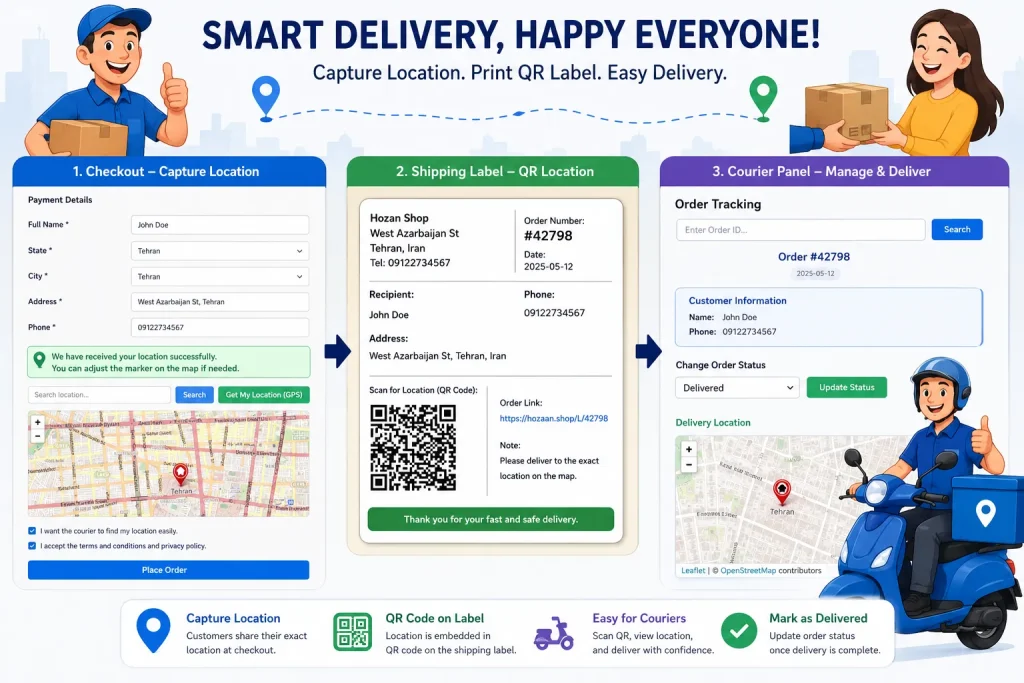
WooCommerce Location Picker + QR Label Printer helps address delivery problems caused by inaccurate or incomplete addresses. A missing apartment number, a misspelled street name, or an unclear landmark can lead to failed deliveries, wasted courier time, and unhappy customers.
Key Features
- Interactive checkout map: Customers can mark their exact delivery location on an interactive map. Address search uses OpenStreetMap, without requiring a Google Maps API key, and includes automatic GPS location detection and provincial restrictions.
- QR shipping labels: Each order receives a QR code that couriers can scan to navigate directly to the customer’s location.
- Professional label printing: QR labels use a standardized format for convenient printing.
How Does It Increase Sales?
Successful first-attempt delivery can improve customer satisfaction and encourage repeat purchases. Reducing failed deliveries can also lower operational costs.
WooCommerce Order Automation: The Next Step in Store Growth
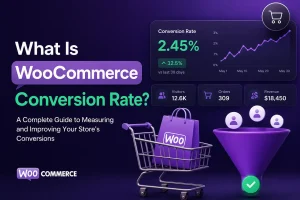
Beyond product recommendations, WooCommerce order automation can significantly improve store efficiency. By eliminating repetitive tasks, you can spend more time on growth strategies. For more ways to improve your conversion rate, read our guide to boosting WooCommerce conversions.
How Should You Get Started?
If you are unsure which tools your store needs, start with our free WooCommerce growth audit. Our team reviews your store and identifies areas where revenue opportunities may be slipping away.
If you prefer a performance-based approach, our performance-based WooCommerce growth services let you work toward measurable growth without paying for the service before results are achieved, according to the service model.
To get started, browse our WooCommerce plugins or explore the plugin category to choose a tool designed for your store’s growth goals. If you are looking for free options, visit our free WooCommerce plugins category. You can also explore the full UP-Woo store.
Conclusion: Product Recommendations Can Help Your Store Grow
WooCommerce product recommendation plugins are more than just add-ons; they can be revenue-growth tools. By suggesting relevant products, increasing average order value, and creating a more personalized shopping experience, you can generate more revenue from the traffic you already have.
Get started today. Choose the right solution from the UP-Woo store, or fill out the form below to request expert advice. Our team is ready to help you take your store to the next level.
Apply for a Free WooCommerce Growth Audit
Tell us about your store and the growth problem you want to solve.
Frequently Asked Questions
Are product recommendation plugins compatible with my WooCommerce theme?
Most of the plugins introduced in this guide are designed to work with standard WooCommerce themes and can be used without custom coding. Compatibility may vary depending on your theme, other plugins, and store configuration, so check each product’s requirements before installation.
Can I try a free version?
Yes. Some UP-Woo plugins offer a free version or a trial period. Visit our free WooCommerce plugins category to explore the available options.
Which plugin is best to start with?
If your main goal is to increase AOV, WooCommerce Gift Manager and Add to Order are good options to consider. If you are running a new store, you can start with our free plugins and upgrade as your needs grow.
Do I need technical knowledge to use these plugins?
No advanced coding knowledge is generally required to use the UP-Woo plugins described here. However, setup steps and compatibility requirements may differ from one plugin to another.
Will these plugins slow down my website?
The featured plugins are designed with performance in mind, but the impact on speed depends on your hosting, theme, configuration, and other installed plugins. Test your site after installation and consider our WooCommerce conversion rate optimization services if you need help improving the overall shopping experience.