 Start Earning
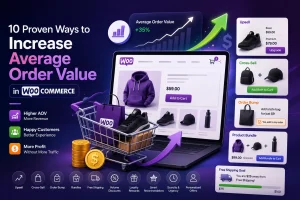
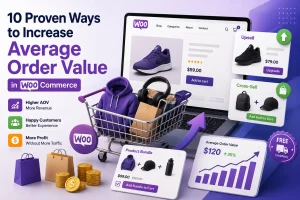
10 Proven Ways to Increase Average Order Value in WooCommerce
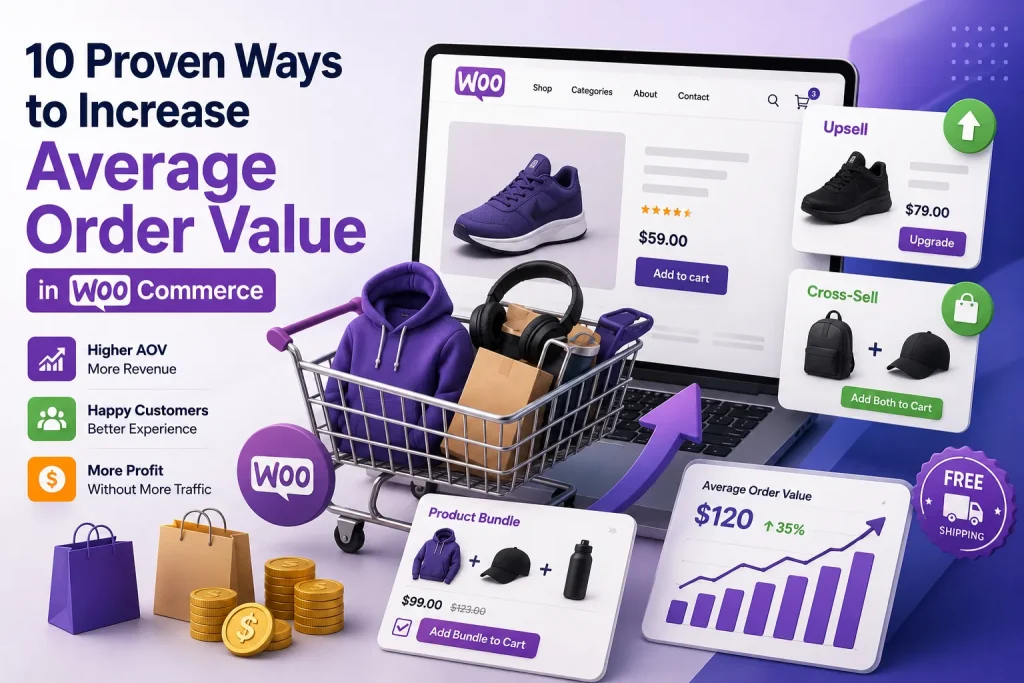
10 Proven Ways to Increase Average Order Value in WooCommerce
Average Order Value (AOV) is one of the most powerful metrics in e-commerce. It represents the average amount a customer spends per transaction in your online store. Why does this matter? Because ا doesn’t always require acquiring new customers—it often starts with getting your existing customers to spend just a little bit more.
Think about it: acquiring a new customer costs five to seven times as much as increasing spending with an existing one. When you focus on increasing AOV, you’re generating more revenue from buyers who have already decided to purchase from you. The conversion barrier is already cleared—you just need to give them a reason to add a little extra to their cart.
In this comprehensive guide, I’ll walk you through 10 proven, actionable strategies to increase average order value in WooCommerce. These are techniques used by successful e-commerce brands worldwide, and they work just as well for small stores as they do for enterprise-level operations.
Let’s dive in.
What Is Average Order Value and Why Does It Matter?
Before we get into the strategies, let’s quickly define what we’re talking about.
Average Order Value (AOV) is calculated by dividing your total revenue by the total number of orders over a specific period:
Average Order Value = Total Revenue ÷ Number of Transactions
For example, if your store generates $50,000 from 500 orders, your AOV is $100. Now imagine raising that to $120 without changing your traffic or conversion rate—your revenue jumps to $60,000 from the same number of transactions. That’s the power of AOV optimization.
AOV matters because it multiplies the return on every other investment you make. Better SEO, more ad spend, and higher conversion rates all become more valuable when each order is worth more.
With that foundation in place, let’s explore exactly how you can boost this critical metric.
Strategy #1: Master the Art of Upselling
Upselling is the practice of encouraging customers to purchase a more expensive version of the product they’re considering. If a customer is looking at a basic smartphone, an upsell strategy might suggest a higher-priced model with more features.
How to Implement Upselling in WooCommerce
The key to effective upselling is relevance. If a customer is looking at a mid-range product, suggesting a luxury model that’s twice the price might be too big of a leap. Instead, suggest a slightly more expensive version with a few additional features.
Best practices for WooCommerce upsells:
-
Place upsells below the “Add to Cart” button on product pages
-
Keep the price difference reasonable—typically 20% to 40% above the base product
-
Make the additional value immediately obvious—clearly lay out what the customer gains by upgrading
-
Use plugins like Easy Upsells or UpsellPress to automate and optimize your upsell offers
When done right, upselling feels like a helpful suggestion rather than a pushy sales tactic. It’s about showing customers a better option that genuinely meets their needs.
Strategy #2: Leverage Cross-Selling on Every Page
While upselling offers a premium version of the same product, cross-selling involves suggesting complementary or related products. If a customer is buying a laptop, a cross-sell strategy might suggest accessories like a laptop bag or an external mouse.
Cross-selling offers several advantages:
-
It increases your average order size—people who purchase one product are more likely to add another
-
It increases profits without additional marketing spend
-
It enhances customer satisfaction by helping customers find everything they need in one place
Where to Display Cross-Sells
Cross-sells can appear in multiple places throughout the customer journey:
-
On product pages: Show “Frequently Bought Together” recommendations
-
In the cart: Display complementary items before checkout
-
On the checkout page: Offer last-minute add-ons
The goal is to make it easy for customers to discover products they genuinely want or need. When cross-sells are relevant and well-timed, they feel like a helpful service rather than a sales pitch.
Strategy #3: Add Order Bumps at Checkout
An order bump is a small, optional offer that appears during the checkout process, usually just before the customer places their order. It’s typically a lower-cost item related to what the customer is already buying, and it can be added with a single click.
Think of it like the candy bars at the grocery store checkout—a quick, low-friction add-on that feels easy to say yes to.
Why Order Bumps Are So Effective
Order bumps are powerful because they appear at the moment of purchase—when the customer has already made the decision to buy and is most receptive to adding just one more item.
What makes a great order bump:
-
Low price point: Usually significantly cheaper than the main product
-
High relevance: Directly related to what the customer is already buying
-
One-click addition: No extra forms, no friction
Example: If you sell graphic hoodies for $39, offer a matching tote bag for $9 with a message like: “Add a matching tote bag for just $9 – today only!”
How to Set Up Order Bumps in WooCommerce
WooCommerce doesn’t support order bumps by default, but with a plugin like Iconic Sales Booster for WooCommerce, you can add one-click product offers at checkout. Some stores using order bumps and one-click upsells see a 15-30% lift in average order value.
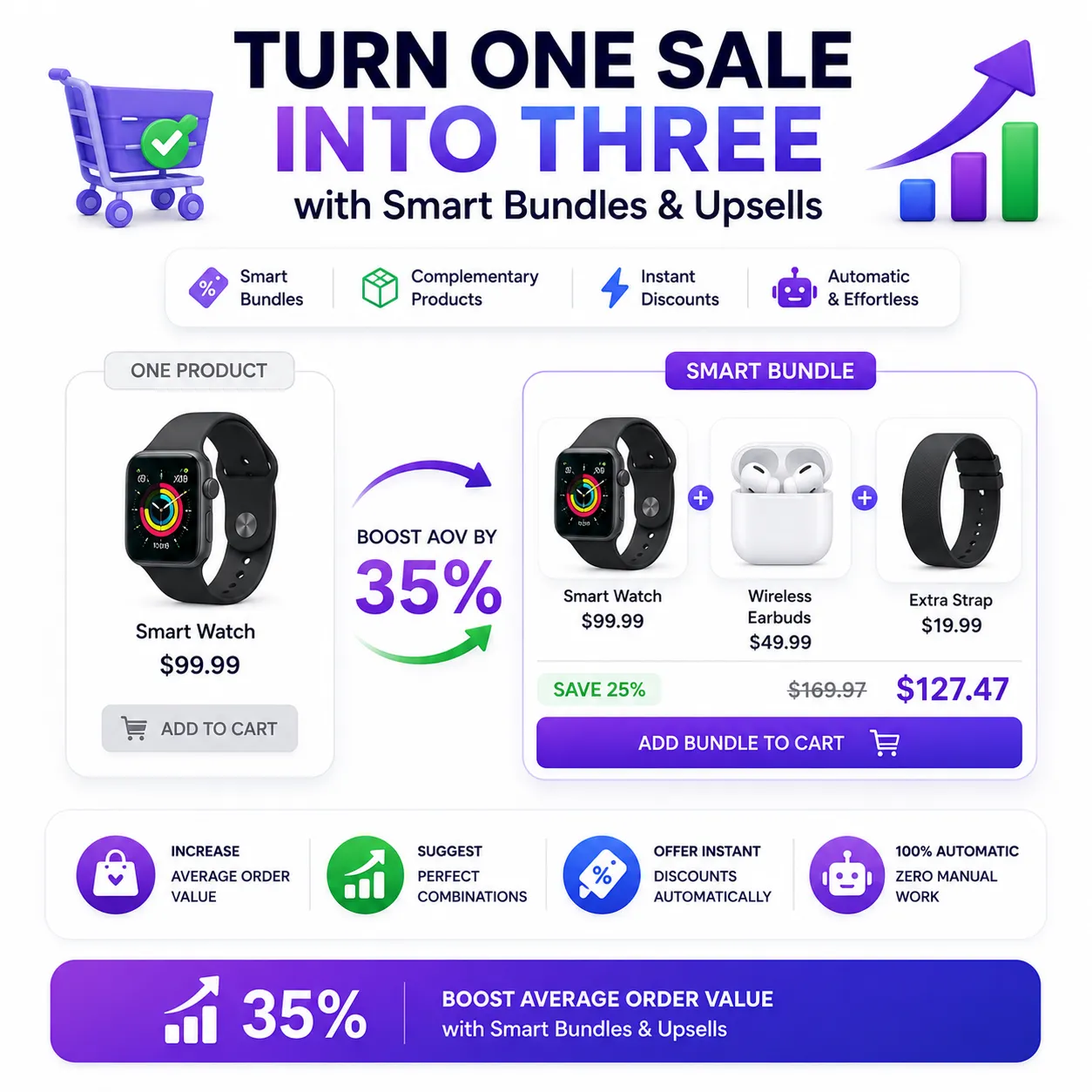
Strategy #4: Create Product Bundles
Product bundles group related items together at a combined price that feels like a better deal than buying each separately. Buyers perceive bundles as higher value, even when the discount is modest, because the combined utility justifies a larger single transaction.
How to Build Effective Bundles
The best bundles are built around natural product combinations that your customers already buy across separate orders. For example:
-
A camera store might bundle a camera body, lens, memory card, and carrying case
-
A skincare brand might bundle a cleanser, toner, and moisturizer
-
A coffee roaster might bundle three different roast varieties
Benefits of Product Bundling
When you create product bundles in WooCommerce (using the Product Bundles extension or similar tools), you:
-
Boost your average order value by encouraging customers to buy more items in a single transaction
-
Increase perceived value—customers feel like they’re getting a deal
-
Simplify the buying decision—customers don’t have to think about what else to buy
Bundles can be promoted anywhere on your store using shortcodes and upsells, making them a versatile tool in your AOV optimization toolkit.
Strategy #5: Implement Product Add-Ons
Product add-ons are modifications or enhancements to the main product itself—think warranties, customization options, material upgrades, or services that enhance the primary purchase.
Why Product Add-Ons Work So Well
Product add-ons succeed where other AOV tactics fail for three key reasons:
-
Customers have already committed to the main product, so add-ons feel like logical improvements rather than separate purchase decisions
-
Higher AOV improves profit margins without increasing your marketing costs or inventory complexity
-
Add-ons maximize value from traffic that’s already interested in your specific products
Examples of High-Converting Add-Ons
The best add-ons address unspoken customer concerns:
-
Protection plans eliminate worry about damage
-
Gift wrap removes the hassle of presentation
-
Expedited processing solves urgency
-
Engraving or personalization adds sentimental value
When someone’s ready to buy that $47 ring, offering $25 engraving doesn’t feel like an upsell—it feels like completing their purchase properly. Some product add-ons can convert at rates as high as 40% when matched correctly to customer needs.
Strategy #6: Set Free Shipping Thresholds
Free shipping thresholds are one of the most effective psychological triggers in e-commerce. When customers see they’re just a few dollars away from free shipping, they’re highly motivated to add more items to their cart.
How to Implement Free Shipping Thresholds
The key is to set your threshold just above your current average order value. If your AOV is $50, set your free shipping threshold at $60 or $65. This creates a clear, attainable goal that encourages customers to add just one more item.
Best practices:
-
Display a progress bar in the cart showing how much more the customer needs to spend to qualify for free shipping
-
Make the threshold visible early—show it on product pages and in the cart
-
Use clear messaging like “Add $15 more for free shipping!”
WooCommerce has built-in functionality for free shipping thresholds, and plugins like YayBoost can add a visual progress bar to motivate purchases.
Strategy #7: Use Scarcity and Urgency Tactics
Scarcity and urgency are powerful psychological drivers that can significantly increase average order value. When customers believe a product is in limited supply or a deal is about to expire, they’re more likely to buy—and buy more.
Effective Scarcity Tactics
-
Stock scarcity indicators: Show “Only 3 left in stock!” messages on product pages
-
Limited-time offers: Display countdown timers for sales and promotions
-
Low stock alerts: Notify customers when items in their cart are running low
How to Use Urgency at Checkout
Urgency works especially well at checkout. Consider:
-
Limited-time free shipping: “Free shipping ends in 2 hours!”
-
Flash sales on add-ons: “Add this item for 50% off—today only!”
-
Bundle deals with expiration: “This bundle price expires in 24 hours”
When combined with other AOV strategies like upsells and cross-sells, scarcity and urgency can create a powerful “buy now” mentality that encourages customers to maximize their cart value before completing their purchase.
Strategy #8: Offer Next-Order Coupons and Incentives
Next-order coupons incentivize customers to spend more today by rewarding them with savings on their next purchase. This strategy works because it creates a win-win scenario:
-
The customer spends more today to unlock a future discount
-
You increase your current AOV while building customer loyalty
How to Implement Next-Order Coupons
Set up a system where customers receive a coupon code for their next purchase when they reach a certain spending threshold. For example:
-
“Spend $100 today and get $10 off your next order”
-
“Free gift with orders over $75”
-
“Double loyalty points on orders over $50”
These incentives can be automated using WooCommerce plugins like YayBoost or RIACO Revenue Lift, which help store owners increase AOV through targeted rewards and triggers.
Strategy #9: Use Post-Purchase Upsells
Post-purchase upsells appear after the customer has completed their initial order but before they leave your site. This is a critical moment because the customer has already made a purchase decision and is still engaged with your store.
How Post-Purchase Upsells Work
After a customer places an order, you can display a one-click offer for a complementary product or an upgraded version of what they just bought. The key advantages:
-
Low friction: The customer has already entered their payment information
-
High engagement: They’re still on your site and in a buying mindset
-
No additional shipping: Items can often be added to the existing order
Setting Up Post-Purchase Upsells
Plugins like One Click Upsell Funnel for WooCommerce allow you to create unlimited post-purchase upsell offers. This can significantly boost your AOV without requiring customers to go through the checkout process again.
Strategy #10: Implement a Minimum Order Amount
Setting a minimum order amount ensures that every transaction meets a baseline value, directly increasing your average order value.
How to Use Minimum Order Amounts
This strategy works particularly well for stores with:
-
High shipping costs that need to be offset by larger orders
-
Low-margin products where small orders aren’t profitable
-
Subscription or wholesale models where bulk purchases are encouraged
Implementation Tips
-
Set reasonable thresholds that align with your shipping costs and profit margins
-
Communicate clearly why the minimum exists (e.g., “Minimum order of $25 to cover shipping costs”)
-
Offer alternatives—if a customer’s cart is below the minimum, suggest add-ons or bundles to help them reach the threshold
Plugins like ShopBoost or Flexible Minimum Order can help you implement minimum order requirements in WooCommerce.
Bringing It All Together: Your AOV Optimization Roadmap
Now that you have 10 proven strategies to increase average order value in WooCommerce, here’s how to put them into action:
Quick-Start Checklist
| Priority | Strategy | Effort Level | Expected Impact |
|---|---|---|---|
| 1 | Upselling | Low | 10-20% increase |
| 2 | Cross-selling | Low | 10-15% increase |
| 3 | Order bumps | Medium | 10-30% increase |
| 4 | Free shipping thresholds | Low | 15-25% increase |
| 5 | Product bundles | Medium | 15-30% increase |
| 6 | Product add-ons | Medium | 10-25% increase |
| 7 | Scarcity & urgency | Low | 5-15% increase |
| 8 | Next-order coupons | Low | 5-10% increase |
| 9 | Post-purchase upsells | Medium | 10-20% increase |
| 10 | Minimum order amount | Low | 5-15% increase |
Tracking Your Progress
To measure the effectiveness of your AOV optimization efforts:
-
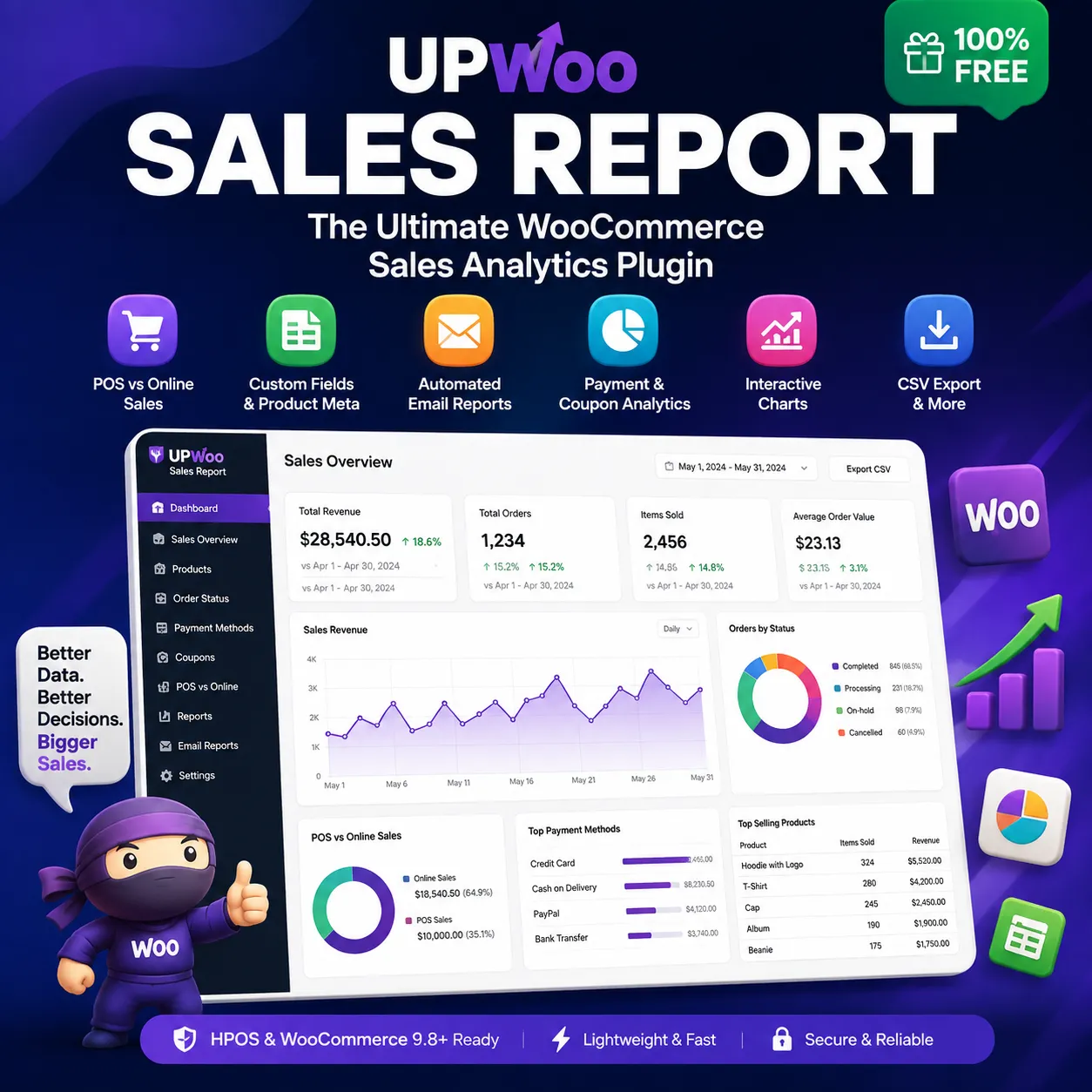
Monitor your AOV in WooCommerce Analytics—it automatically calculates this in the Overview report
-
Segment your data by traffic source, device type, and customer type to identify which channels drive your highest-value orders
-
Track trends over time—month-to-month data often reveals more insight than annual averages
Remember: doesn’t happen overnight. Start with 2-3 strategies that align with your store’s strengths and customer base, then gradually layer in more techniques as you see results.
Why Plugins Are Your Best Friend for AOV Optimization
While some of these strategies can be implemented manually, using the right WooCommerce plugins will save you time, automate recommendations, and help you track effectiveness for optimized sales strategies.
Here are some of the most powerful plugins for increasing average order value:
-
Iconic Sales Booster for WooCommerce – Adds one-click order bumps at checkout
-
YayBoost – Combines free shipping progress bars, stock scarcity indicators, and frequently bought together recommendations
-
RIACO Revenue Lift – Automatically suggests frequently bought together products based on real order history
-
Easy Upsells – Displays upsells, cross-sells, and product recommendations across your entire store
-
CartFlows – Builds complete sales funnels with order bumps and one-click upsells
These plugins are designed to be easy to configure—you don’t need to write a single line of code to start seeing results.
Take Action Today: Start Increasing Your AOV
Increasing your average order value is one of the highest-leverage activities you can do for your WooCommerce store. Unlike chasing more traffic or improving conversion rates (both of which require significant time and money), AOV optimization targets buyers who have already decided to purchase.
Every dollar you add to your average order value is pure margin improvement—you’ve already paid to acquire that customer, so additional revenue goes straight to your bottom line.
The strategies in this guide are proven, actionable, and accessible to stores of any size. Whether you start with simple upsells on your product pages or build a complete sales funnel with order bumps and post-purchase offers, every step you take will move the needle on your revenue.
🚀 Ready to Skyrocket Your WooCommerce Sales?
Here’s the exciting part: you don’t have to wait to start seeing results. Many of the plugins and tools mentioned in this guide offer a (3-day free trial) so you can test these strategies risk-free.
ا is not just a goal—it’s a reality waiting to happen for your store. starts with a single step, and that step could be right now.
Don’t let another day go by with your AOV stuck at the same number. Your customers are already visiting your store, browsing your products, and adding items to their carts. With the right strategies and tools, you can transform every single transaction into a higher-value sale.
Here’s what you need to do:
-
Choose 2-3 strategies from this guide that resonate with your store
-
Install the right plugin to implement them quickly and easily
-
Track your results and watch your average order value climb
The plugins are designed to be user-friendly and intuitive—you’ll be amazed at how simple it is to set up professional-grade upsells, cross-sells, and order bumps. No coding skills required. No complicated configurations. Just results that you can see in your revenue numbers.
Remember: Every successful WooCommerce store started exactly where you are right now. The difference between those who succeed and those who don’t? Action.
So go ahead—take that first step today. Install a plugin, set up your first upsell, and watch your average order value start to rise. Your future self (and your bank account) will thank you.
The best time to start was yesterday. The second best time is right now.

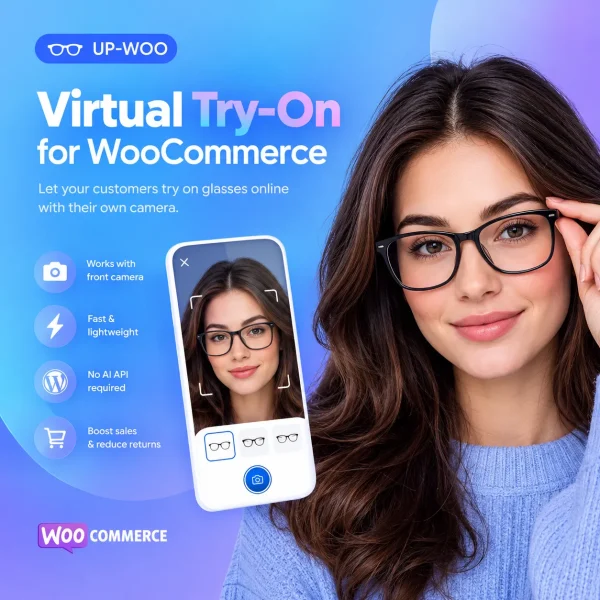
Virtual Try-On for WooCommerce | Glasses Plugin – UP-WOO
Original price was: 80 $.45 $Current price is: 45 $.
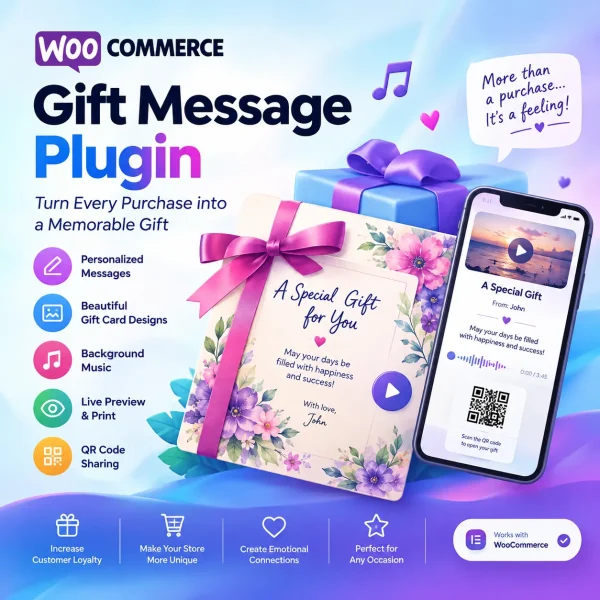
Gift Note & Music for WooCommerce | Personalized Gift Cards
Original price was: 40 $.21 $Current price is: 21 $.
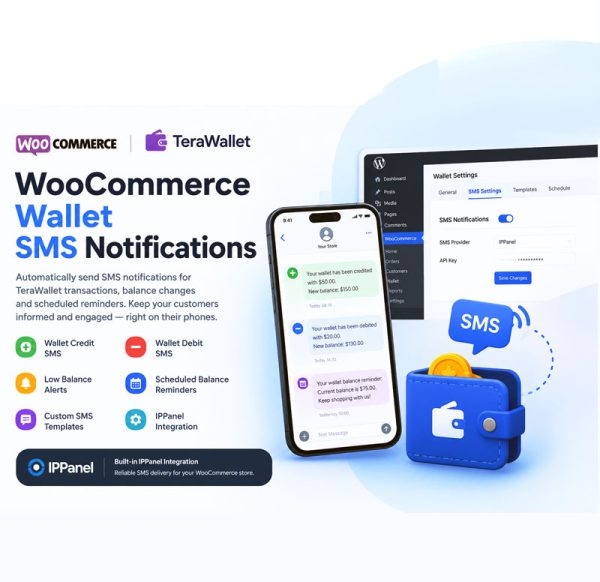
WooCommerce Wallet SMS Notifications – TeraWallet SMS Alerts
Original price was: 120 $.66 $Current price is: 66 $.
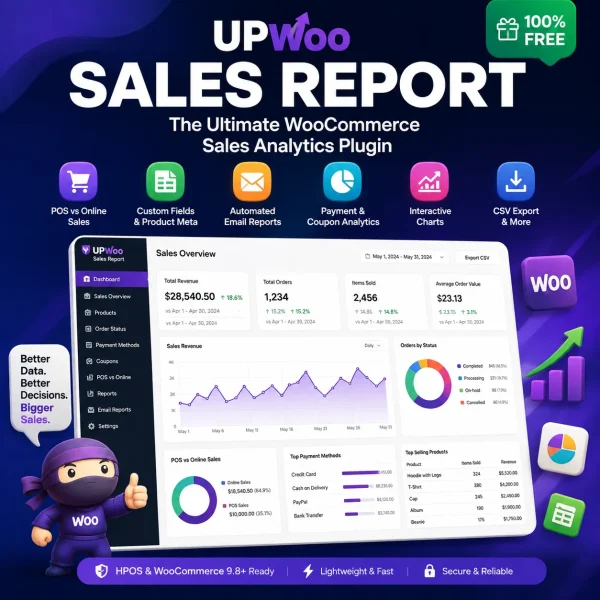
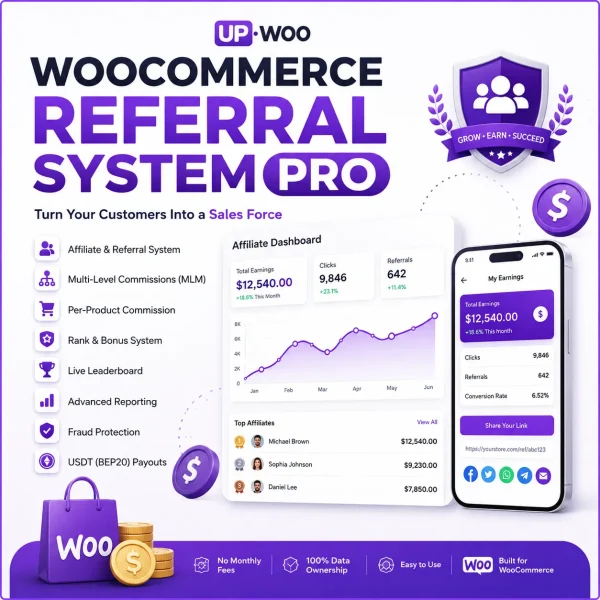
WooCommerce Affiliate and Referral Engine
Original price was: 180 $.148 $Current price is: 148 $.
Woocommerce infinite scroll cat products free (Pro)
Original price was: 53 $.0 $Current price is: 0 $.