
 Start Earning
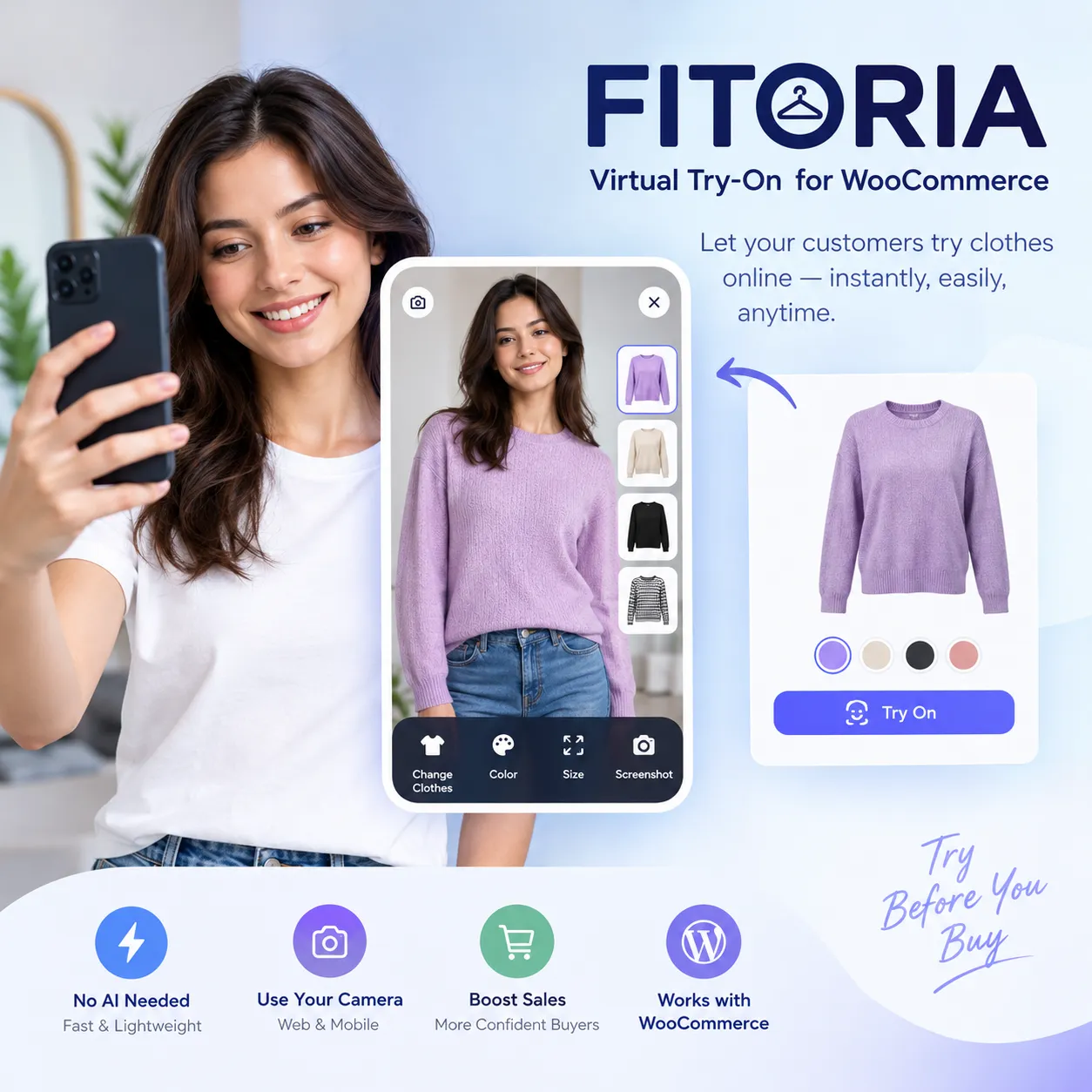
Test the Online Fitting Room Plugin Performance for WooCommerce

10 $
How to Test
-
Choose a variation — Select a color and size from the options above.
-
Add it to the cart — Click “Add to cart” to place the first item in your cart.
-
Repeat with a different variation — Go back and select a different color or size, then add it to the cart as well.
-
Add more items if needed — You can add three or more variations to test multiple layers at the same time.
-
Open the fitting room — Navigate to the cart or the fitting room page and launch the Fitoria try-on interface.
-
Click and reposition garments — Select each visible garment layer and move it to see how the items combine on the demo body image.
Test the Fitoria Online Fitting Room with Multiple Items at Once
This test product is created specifically so you can try Fitoria’s virtual try-on experience with more than one item in the cart. To see how the fitting room handles coordinated outfits, layered garments, and variation-specific images, please follow the steps below.
How to Test
-
Choose a variation — Select a color and size from the options above.
-
Add it to the cart — Click “Add to cart” to place the first item in your cart.
-
Repeat with a different variation — Go back and select a different color or size, then add it to the cart as well.
-
Add more items if needed — You can add three or more variations to test multiple layers at the same time.
-
Open the fitting room — Navigate to the cart or the fitting room page and launch the Fitoria try-on interface.
-
Click and reposition garments — Select each visible garment layer and move it to see how the items combine on the demo body image.
What You Can Test
-
How multiple garments appear together in one outfit preview
-
How variation-specific images (color, size) load inside the fitting room
-
How the click-to-select and reposition interaction behaves with several layers
-
How the fitting room button appears on the product page, cart, and checkout
-
How the demo body images display with your uploaded garment PNGs
Tips for a Better Test
-
Add at least two different variations to see the layered preview.
-
If you are testing color-specific images, make sure each variation has its own transparent PNG uploaded in the plugin settings.
-
Use a transparent PNG with a real alpha channel for the cleanest overlay result.
-
Test on both desktop and mobile to check the fitting room layout.
-
Clear your cache after changing plugin settings so the latest images load correctly.
Important Notes
-
This is a test product and is not intended for real purchase or fulfillment.
-
A 2D garment overlay is a visual styling aid, not a size recommendation or body measurement tool.
-
Actual performance may vary depending on your theme, caching, image sizes, and other active plugins.
Suggested Product Data (for your test page)
| Field | Suggested Value |
|---|---|
| Product type | Variable product |
| Attributes | Color (e.g., Black, White, Navy), Size (S, M, L) |
| Price | 1 (or any symbolic value) |
| SKU | FITORIA-TEST-001 |
| Category | Test / Internal |
| Visibility | Hidden from catalog (visible only via direct link) |
| selection | men, women, kids |
|---|---|
| clothing | t-shirt, pants, skirt |
Be the first to review “Test the Online Fitting Room Plugin Performance for WooCommerce”
You must be logged in to post a review.
Related products

https://up-woo.com/?p=925Copy LinkShare
https://up-woo.com/?p=910Copy LinkShare











Reviews
There are no reviews yet.